![OXFORD_GLOBAL-LOGO_SYMBOL_WHITE.png]](https://partners.oxfordglobal.co.uk/hs-fs/hubfs/OXFORD_GLOBAL-LOGO_SYMBOL_WHITE.png?height=40&name=OXFORD_GLOBAL-LOGO_SYMBOL_WHITE.png)
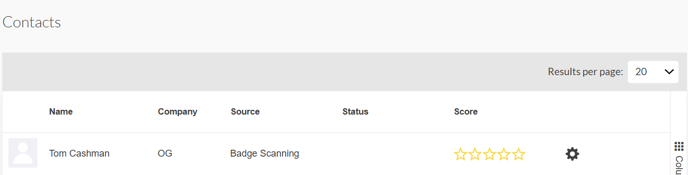
This shows participants relating to users who have connections and/or scheduled meetings with the team. You can click the settings cog to view lead notes, or delete a contact. This page is in an interactive table view meaning you can add and remove columns, filter, and show how data is displayed.